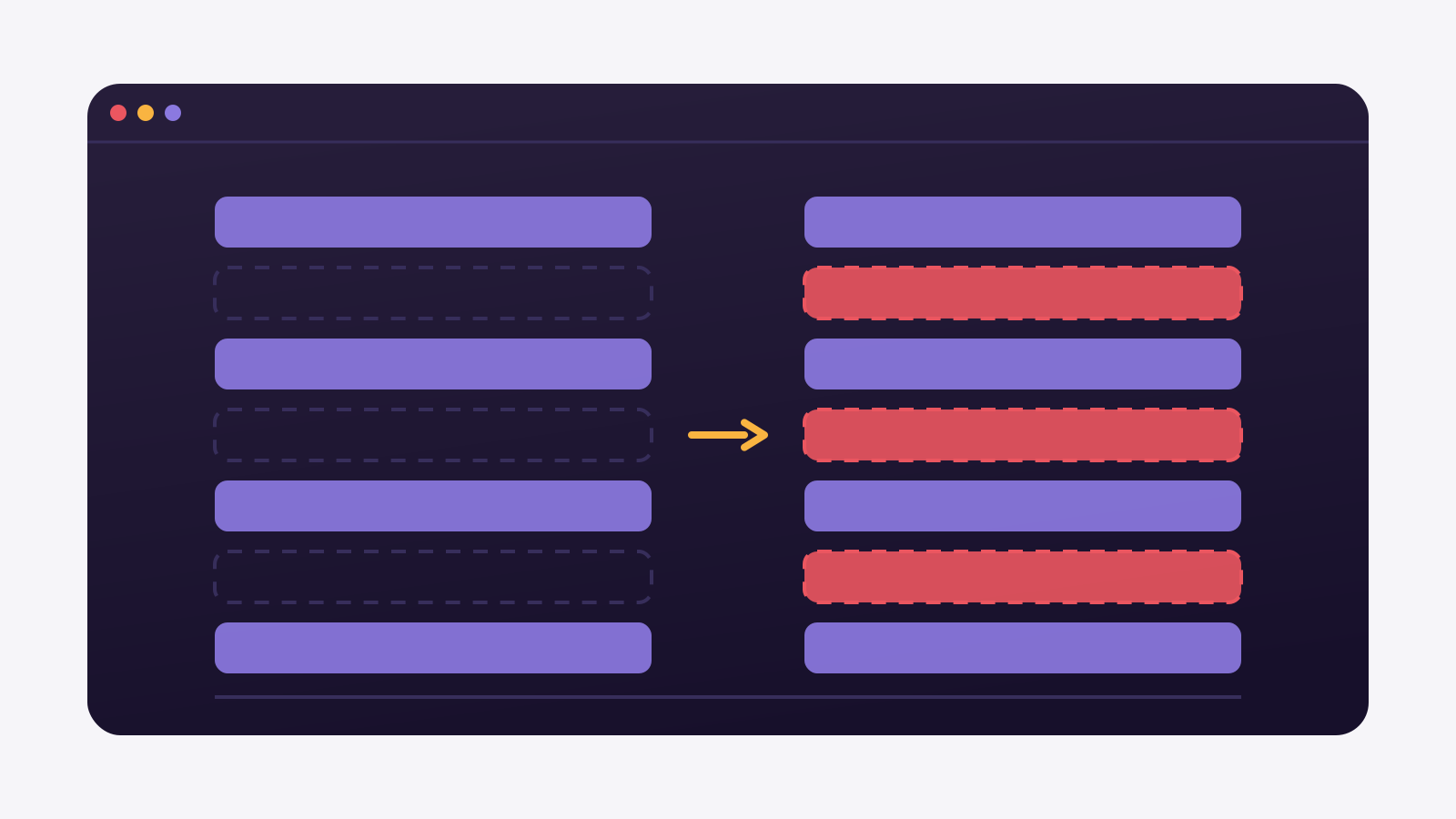
It is month-end close, and sales opens the active accounts report.
The customer count on the dashboard does not match the CRM. Nobody deleted the wrong thing, and both screens read the same database. The problem is that the pipeline never received the order to delete.
In this article we explain why a row deleted at the source survives in the warehouse, how to measure how many you already have, and what changes with each fix.
A DELETE updates no column at the source
Cursor-based sync always asks the source the same question: which rows changed since the last read. It compares a date column, almost always updated_at, against the mark stored in the previous run.
DELETE escapes that question. When somebody removes a row, there is no row left to carry any date. The record leaves the source without touching the column the cursor reads, so it never lands in the batch the pipeline brings over.
The same holds for API reads. An endpoint that returns orders changed after a date returns orders that exist. A cancelled and removed order shows up in no list at all, because the list is made of present things.
Absence is not an event.
What upsert does and does not do
Once the batch lands, the warehouse has to decide what to do with each row. Upsert handles two cases: if the key exists, it updates the fields; if it does not, it inserts the new row.
The third case has no owner. A row that sat in the warehouse and did not arrive in the batch stays exactly as it was. Upsert cannot tell a row that vanished from the source apart from a row that simply has not changed since yesterday.
A concrete example
An electrical supplies distributor cleans up the ERP base and removes 400 duplicate records. The next day the ERP shows the correct base, and the sales report still carries those 400 — now showing as people who have not bought in months. Marketing ends up with a whole reactivation list made of people who do not exist.
Nobody deleted. Nobody was told.
How to count ghost rows in your warehouse
Before choosing a fix, measure the size of the problem. The cheapest check is comparing the row counts on both ends, table by table, at the same moment.
Counting both ends, run on the source and on the destination
-- run the same query on both databases and compare
SELECT COUNT(*) AS rows FROM public.customers;

-- if there is a gap, pull the keys that exist only in the destination
SELECT d.customer_id
  FROM destination.customers d
  LEFT JOIN source_mirror.customers o ON o.customer_id = d.customer_id
 WHERE o.customer_id IS NULL;
A small, stable gap is usually sync lag: the nightly batch has not run yet. A gap that only grows, week after week, is something else. That is the warehouse holding rows the source no longer has.
The count alone does not tell you which rows are left over. For that you have to bring the keys from both ends and subtract one from the other. On a large table that SELECT is expensive, so run it outside the load window.
Measure before you decide.
Full reload, deletion flag, transaction log
There are three ways to make a deletion reach the warehouse. All three work, and the difference between them is the price each one charges.
- Full reload. You throw the table away and bring everything again. It is the easiest method to explain and the only one that depends on nothing at the source. It is also the one that reads most, writes most and takes longest, every day, to fix a handful of rows.
- Deletion flag. Instead of deleting, the warehouse gains a column saying the row left the source. History stays queryable and reports filter on that column. It only works if everyone remembers to put the filter in every query.
- Reading the transaction log. The source database already writes every INSERT, UPDATE and DELETE to its own log so it can recover from a crash. Reading that log is what CDC (change data capture) means: the deletion arrives as an event, carrying the key of the removed row.
That order runs from least to most effort at the source, and from most to least cost in daily operation. Whoever cannot touch the source is left with the first two.
What each path costs in practice
None of the three ways is free, and the bill changes with the size of the table and with what the source lets you turn on.
| What it requires at the source | What it costs | |
|---|---|---|
| Full reload | Nothing | Reads and writes the whole table on every run |
| Deletion flag | Nothing | Every report has to filter the deletion column |
| Transaction log | Logical logging enabled, a replication slot, and a primary key or replica identity on the table | Database configuration and keeping an eye on the slot |
The middle column is usually what decides: on a database somebody else administers, turning on the transaction log depends on whoever runs the server.
Reading the log has prerequisites that are not yours. It depends on the source database allowing the transaction log to be enabled, and on having room for the replication slot to hold changes. On a third-party database that is a conversation, not a setting.
And it depends on the table, not only on the server. The deletion only arrives identifiable if the table has a primary key or a configured replica identity. Without one of the two, the DELETE event carries no key for the row that left, and the warehouse does not know what to remove.
The deletion flag carries a quieter cost: it moves the responsibility to whoever writes the query. One new report forgetting the filter brings the wrong number back, this time looking like the analyst made a mistake.
Choose what you control.
When a dead row does not hurt the report
Not every gap between source and warehouse deserves a project. Before touching the production database, ask whether that row ever shows up in any figure at all.
Lookup tables almost never suffer. Lists of states, payment methods, cost centres: small bases that change slowly, which a daily full reload handles without anyone noticing. Wiring log-based reading there does not pay for itself.
Historical facts usually prefer the row to stay put. An invoice issued and later cancelled should not vanish from last month revenue, because last month happened. There the dead row is not dirt, it is a record, and what is missing is the column saying it was cancelled.
The trouble shows up when the table answers a question about the present. Active accounts, available stock, enabled users: there the leftover row becomes a wrong number, and no clever filter saves whoever does not know it is sitting there.
Fix the present. Keep the past.
Where Januss comes in
In Januss the sync mode is chosen per table, not per connection. The same source can have one table on full refresh, another on mirroring and another on history with validity dates, and the deletion flag is configurable stream by stream.
Reading the transaction log covers five source databases. PostgreSQL, MySQL, SQL Server, Oracle and MongoDB, on every plan, including the entry one. Before saving, Januss checks the database prerequisites and shows on screen which command fixes whatever is still missing.
On the transformation side, the incremental run carries a stated guarantee: the destination table ends up identical, row by row, to what a full reload would produce. It reprocesses only the scope that changed and deletes what vanished, which is exactly where upsert alone leaves litter behind. When the query aggregates over a JOIN and the scope cannot be isolated, the engine reconciles everything and says why, instead of handing you an approximate number.
Want to check the counts against your own data? The 14-day trial asks for no card, and you can put one table in the air and compare both ends the same afternoon. Create your Januss workspace.
Sources
How deletion behaves when reading the log, and the condition for it to carry the key of the removed row, are documented in the output plugin most commonly used with PostgreSQL:
Create your workspace in minutes.
Point at your source and watch the data reach the database the same day.